How to Install Minecraft Shaders
Easy Buy Electro
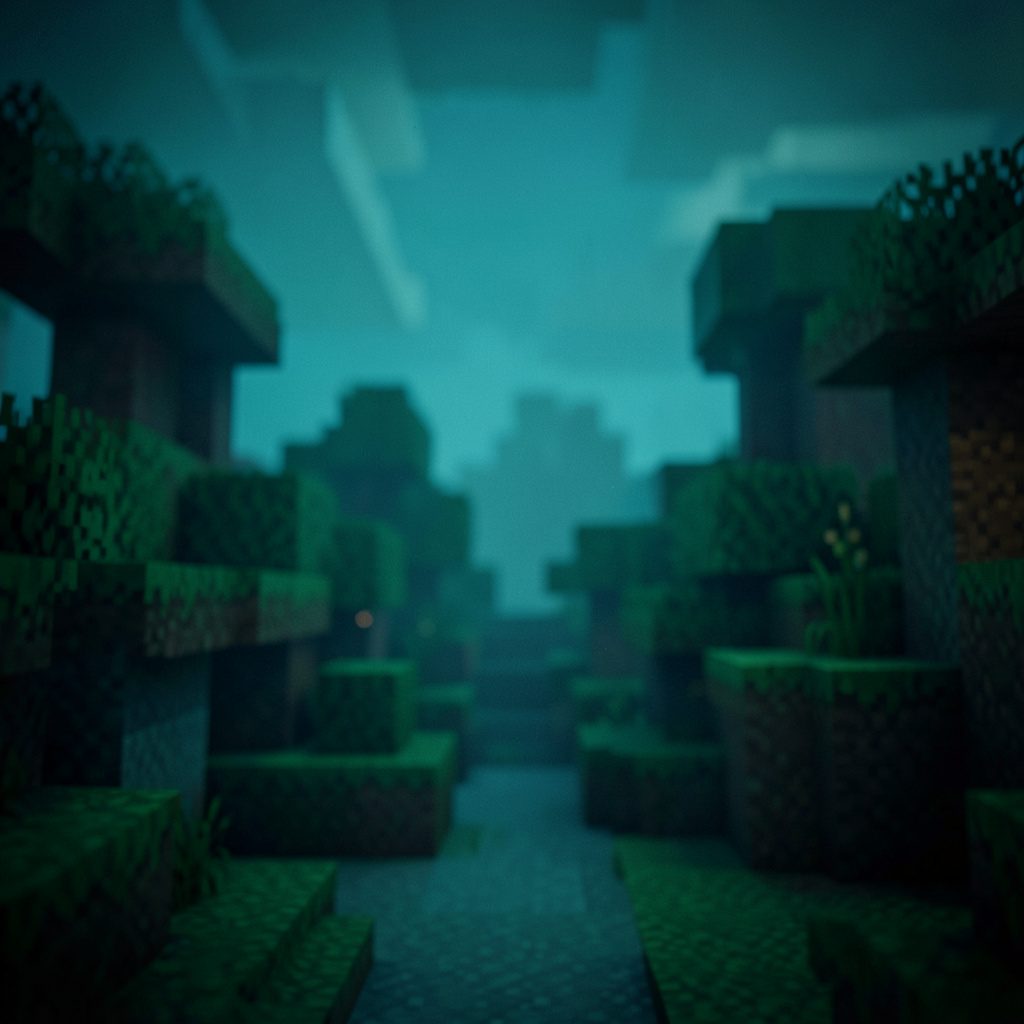
Enhance Your Block World
Optifine is a graphics mod for Minecraft that adds true-life elements to the game. The sun, for instance, changes from a block to a circular light-emitting particle, and other in-game particles are altered to give you more realistic water and shadows.
What Shaders Add
Visual Upgrades
- Circular light-emitting sun instead of a flat block
- Refined water surfaces with realistic reflections
- Soft, dynamic shadows across the landscape
- Enhanced particles for a smoother overall look
Adding Optifine to Minecraft
- Download Optifine Grab the Optifine installer for your Minecraft version from the official source.
- Run the Installer Open the downloaded JAR file and follow the prompts to install it as a new Minecraft version.
- Select the Profile In the Minecraft launcher, choose the newly added Optifine profile from the version list.
- Load Shader OptionsLaunch the game, open Video Settings, and locate the Shaders button.
- Apply a Shader Pack Place your chosen shader pack ZIP file in the shaderpacks folder and select it from the in-game menu.